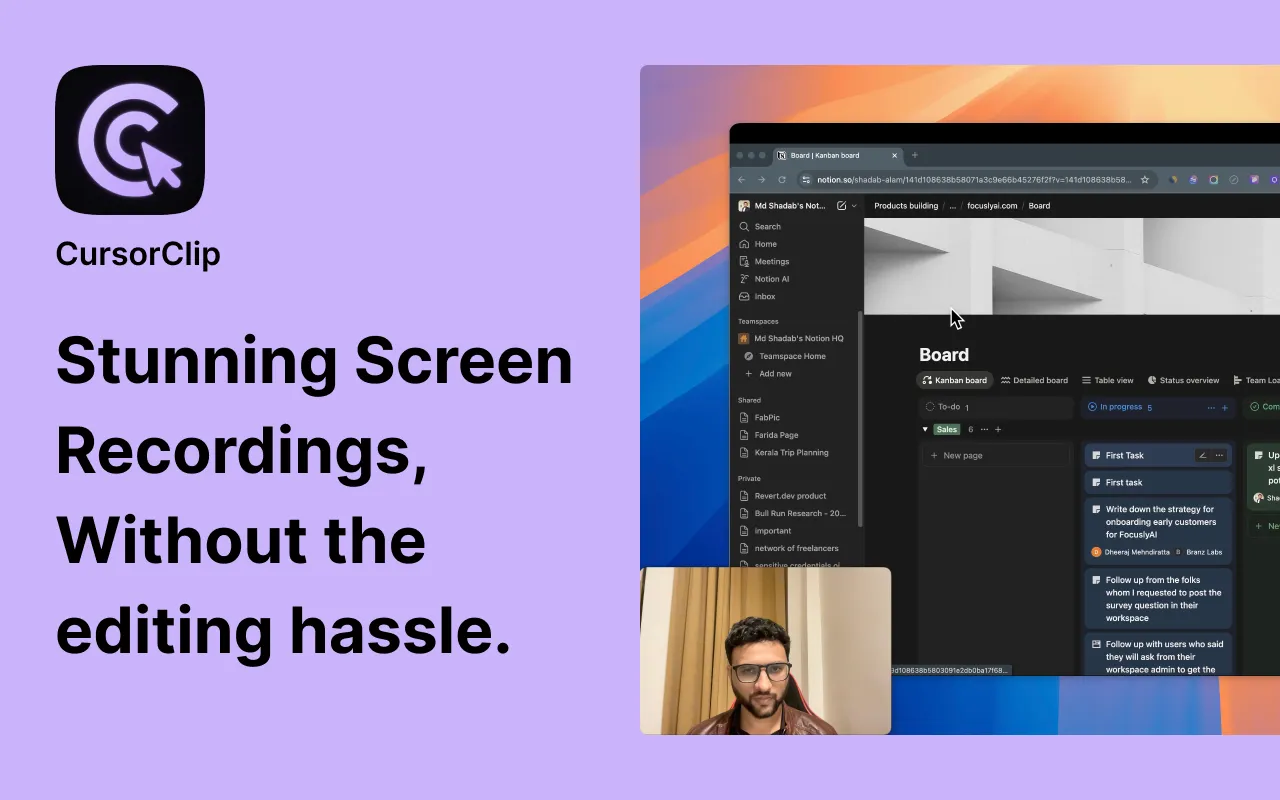
Screen recordings often feel chaotic because the viewer never knows where to look. CursorClip’s zooms were built to solve that problem without asking you to micromanage keyframes. Here is a quick look at how it works under the hood.
Smoothing mouse intent
Raw cursor data is noisy, so we run a lightweight smoothing pass to distinguish between deliberate moves and micro-adjustments. Only intentional moves can trigger zoom pans, which keeps the frame steady when you pause to think or resize a window.
Respecting UI rhythm
Every macOS app lays out controls differently. Instead of baking app-specific rules, we score regions of the screen based on click density, speed, and element contrast. The recorder nudges the viewport toward high-score regions, giving you cinematic focus even in dense interfaces.
Guardrails that keep exports clean
- Minimum and maximum zoom thresholds prevent nausea on large monitors.
- We bias toward horizontal motion so captions and toolbars stay visible.
- When you open modals or sheets, we slow pan speed so transitions feel intentional.
The result is an auto-edited video that still looks like you recorded it live. You keep shipping demos quickly, and viewers spend less time hunting for the cursor and more time understanding the product.
Want to see the zoom on your own screen? CursorClip is free to record and edit, and a license unlocks export.