CursorClip Blog
Shipping notes, behind-the-scenes engineering, and workflow tips for recording product demos without video editing hassle.
How to Record Yourself on a Mac or MacBook (Screen and Face)
Record yourself on a Mac or MacBook with Photo Booth or QuickTime, or record your screen and your face together in one take. Free steps for macOS 13 to 27.
How to Record Yourself Presenting a PowerPoint on Mac (Audio and Video)
Record yourself presenting a PowerPoint, Keynote or Google Slides deck on Mac with webcam and voice. Built-in recorders first, then slides plus a live demo.

Camtasia Pricing 2026: All Plans, US Prices, Cheaper Options
Camtasia costs $39 to $599 a year in the US, billed yearly only. What each tier includes, where the watermark stops, business and education rates, and cheaper options.
CursorClip vs ScreenKite (2026): Price, macOS and Features
Considering ScreenKite as a CursorClip alternative? Price, license, macOS support, captions and editing compared. Facts checked on 2 October 2026.
7 Best OBS Alternatives for Mac in 2026 (for Recording)
OBS alternatives for Mac compared by job: automatic zoom, editing, system audio, price and platform. If you stream, keep OBS. If you record tutorials and demos, start here.
7 Best Screen Recorders for YouTube Tutorials on Mac (2026)
Compare the best Mac screen recorders for YouTube tutorials by readability, audio, editing, captions, export quality, price, and creator workflow.
How to Edit a Screen Recording on Mac (3 Easy Methods)
Learn how to trim, cut, crop, add text, fix audio, and export a screen recording on Mac using QuickTime, iMovie, and a record-to-polish workflow.
How to Record Zoom, Google Meet, or Microsoft Teams on Mac With System Audio
Record Zoom, Google Meet, or Microsoft Teams on Mac with meeting audio. Compare built-in recording, permissions, and external screen-capture steps.
How to Screen Record on a Mac With Audio (macOS 13 to 27)
Screen record on a Mac with system audio and your mic: built-in steps for macOS 27, what to use on macOS 26 and earlier, 7 tools compared, no-sound fixes.
Snagit Pricing in 2026: Plans, Renewal Cost, and Whether It Is Worth It
What Snagit costs, what the subscription includes, the 15-day trial and 14-day refund window, multi-year math, and honest alternatives by job on Mac.
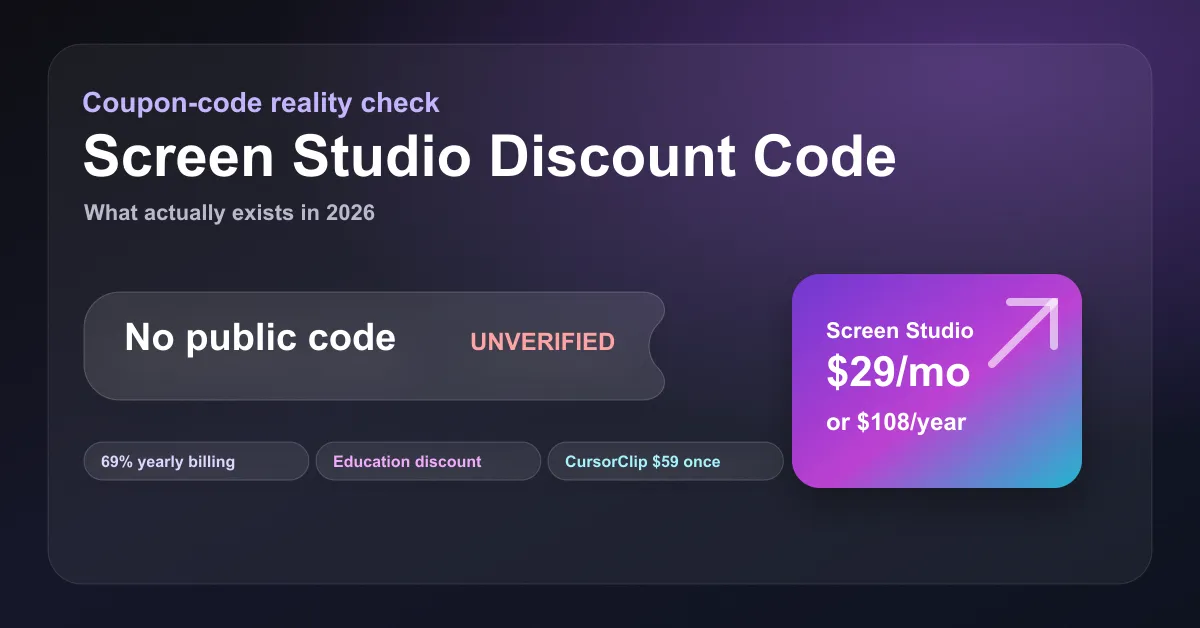
Screen Studio Discount Code (2026): What Actually Exists
Screen Studio has no public discount code (checked 6 October 2026). Real savings: 40% off for students and educators, and the yearly plan. Or pay $70 once.
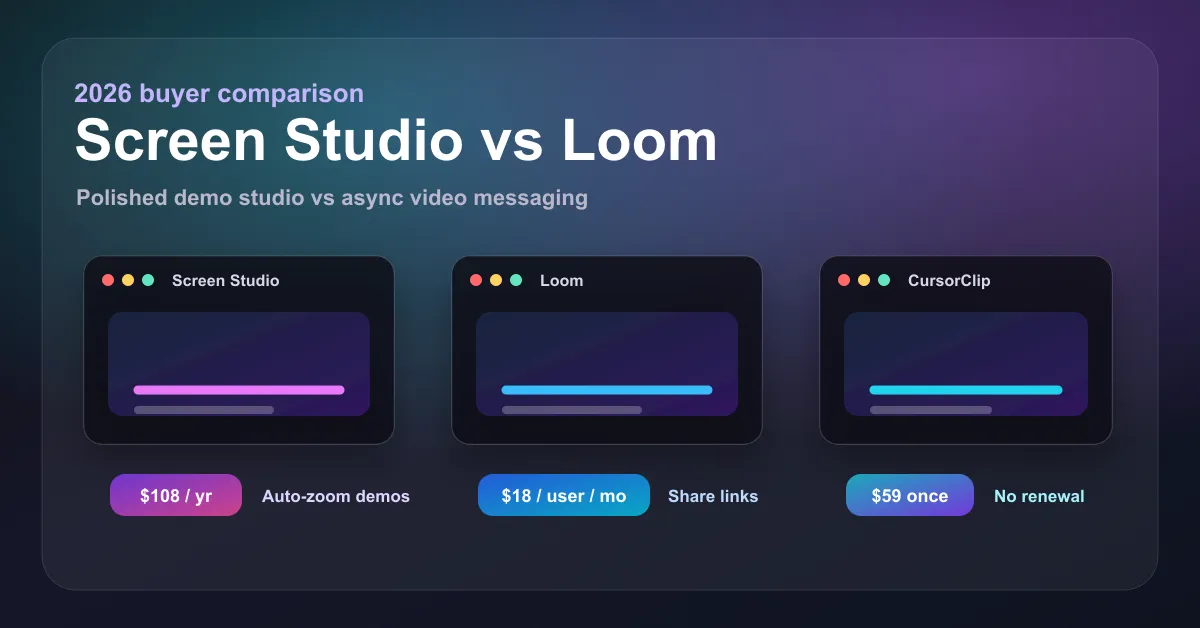
Screen Studio vs Loom (2026): Pricing, Features, and Which to Pick
Screen Studio vs Loom compared for 2026: pricing ($108/yr vs $18/user/mo), auto-zoom vs instant sharing, free tiers, and a $70 one-time third option.
What Is the Best Screen Recorder for Educators on Mac in 2026?
Find the best screen recorder for educators on Mac. Record lectures, tutorials & online classes with webcam, cursor zoom & clean audio. Try free today.
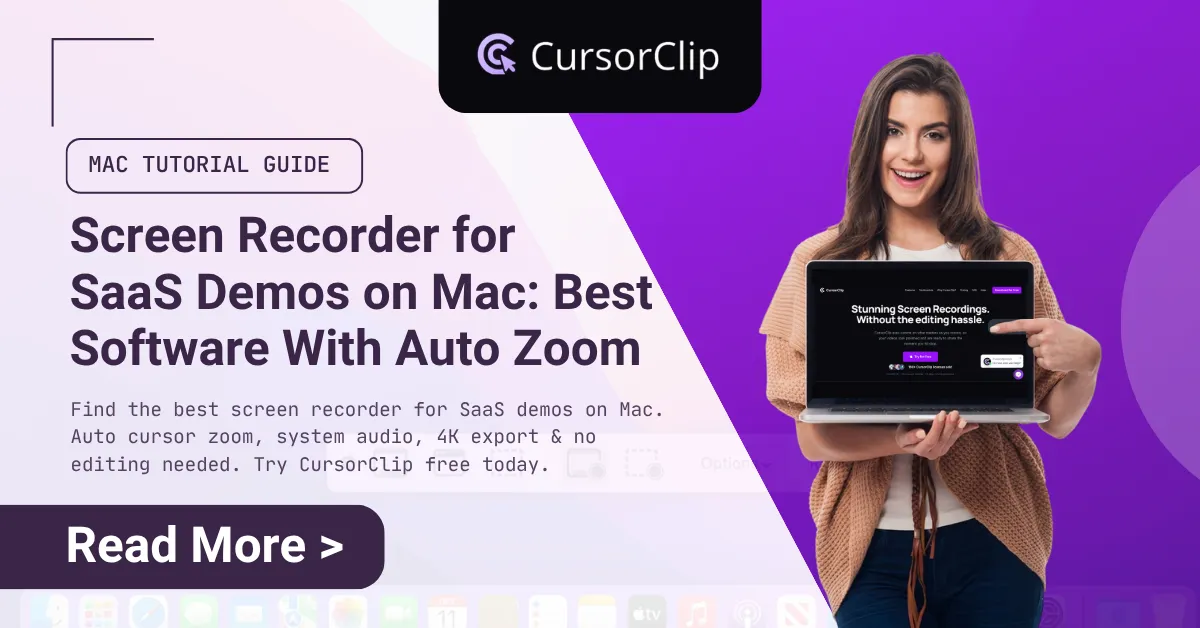
What's the Best Screen Recorder for SaaS Demos on Mac? [2026 Guide]
Find the best screen recorder for SaaS demos on Mac. Auto cursor zoom, system audio, 4K export & no editing needed. Try CursorClip free today.
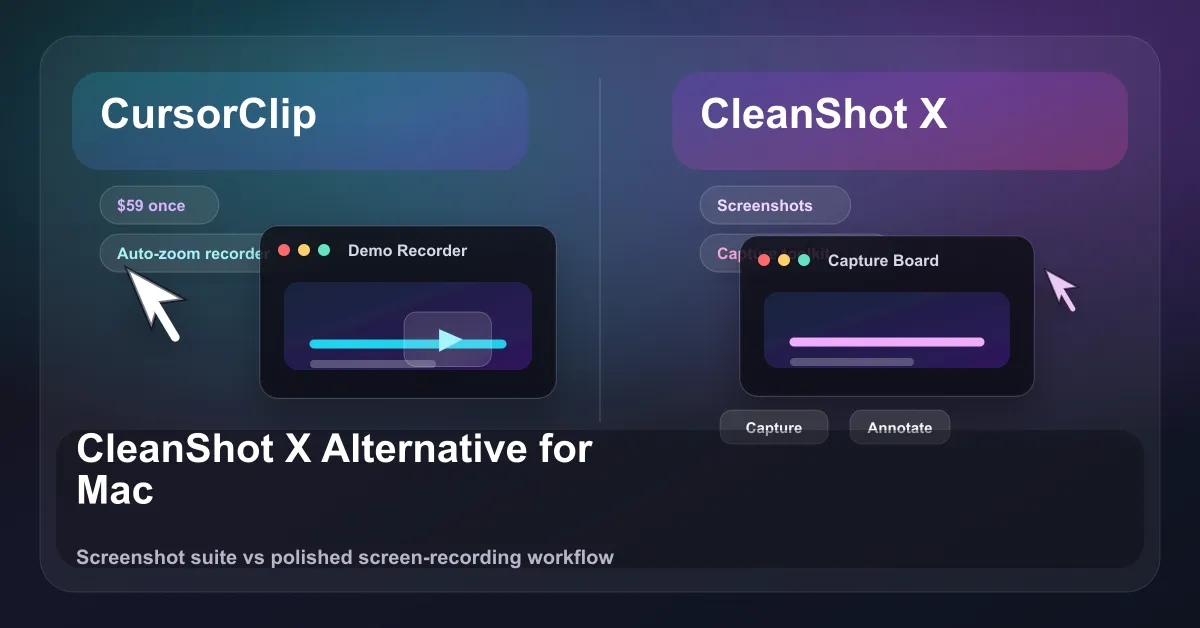
CleanShot X Alternative for Mac: CursorClip Compared (2026)
Looking for a CleanShot X alternative on Mac? Honest 2026 comparison of pricing, platform, auto-zoom recording, and 4K exports. See where each tool wins.
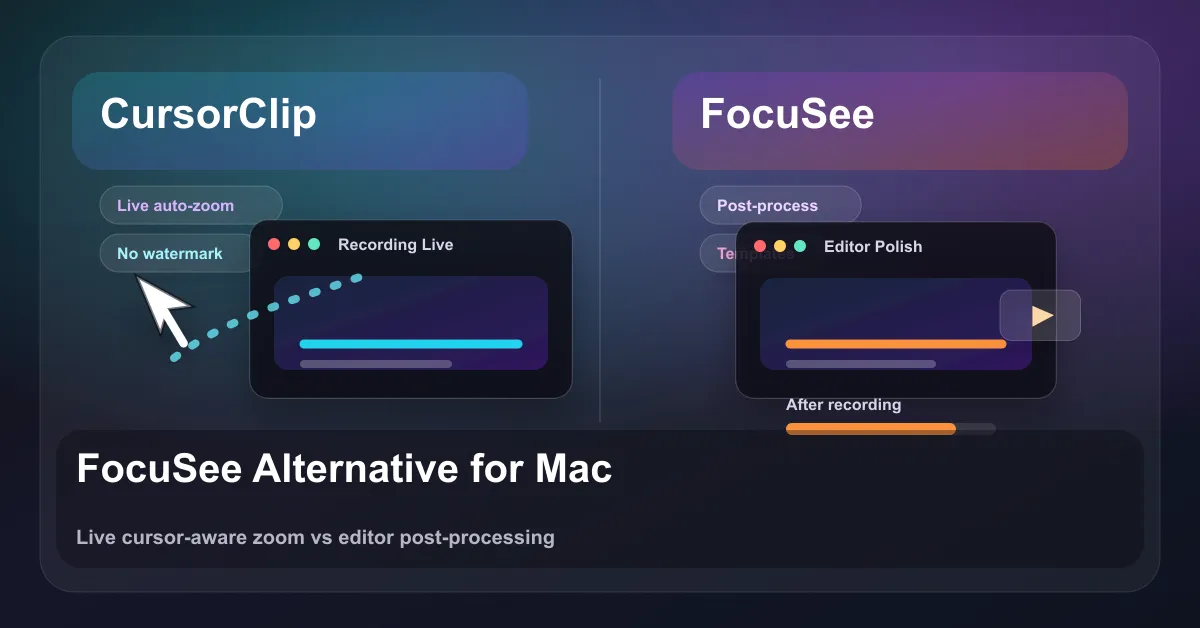
FocuSee Alternatives for Mac (2026): Free Picks and Pricing
FocuSee alternatives, free and paid, from Cap and OBS to CursorClip at $70 once. Plus FocuSee pricing for 2026 and why its free exports carry a watermark.
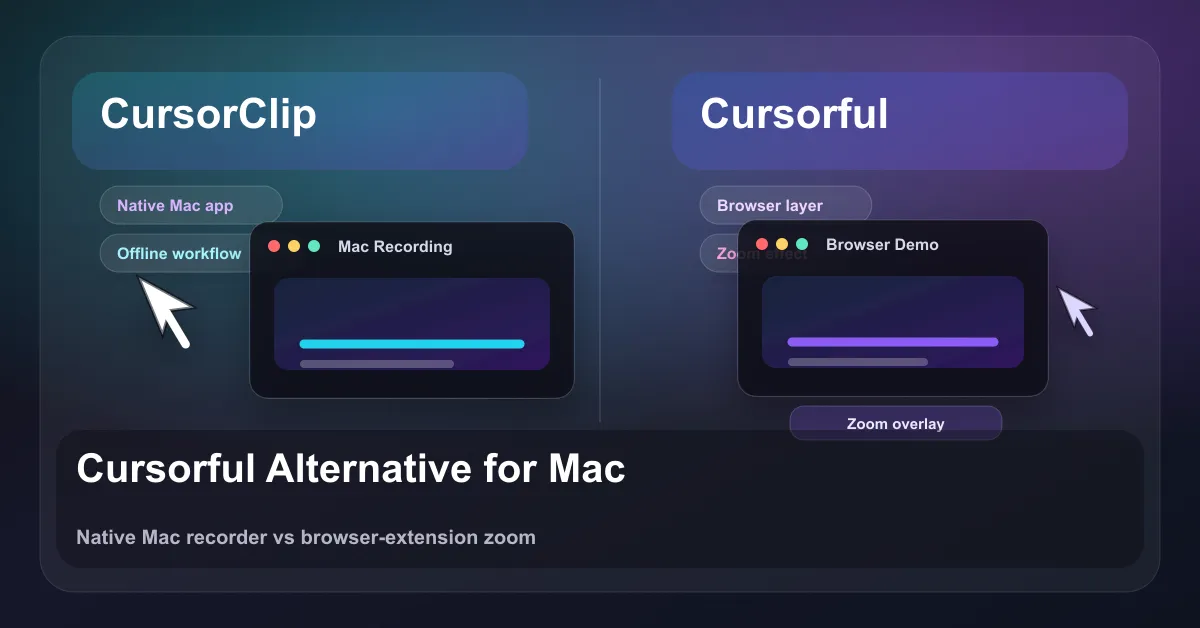
Cursorful Alternative for Mac: Pricing, Free vs Pro (2026)
Cursorful is free for non-commercial use and Pro is $79 once. What each plan includes, where it can't record, and a native Mac alternative.
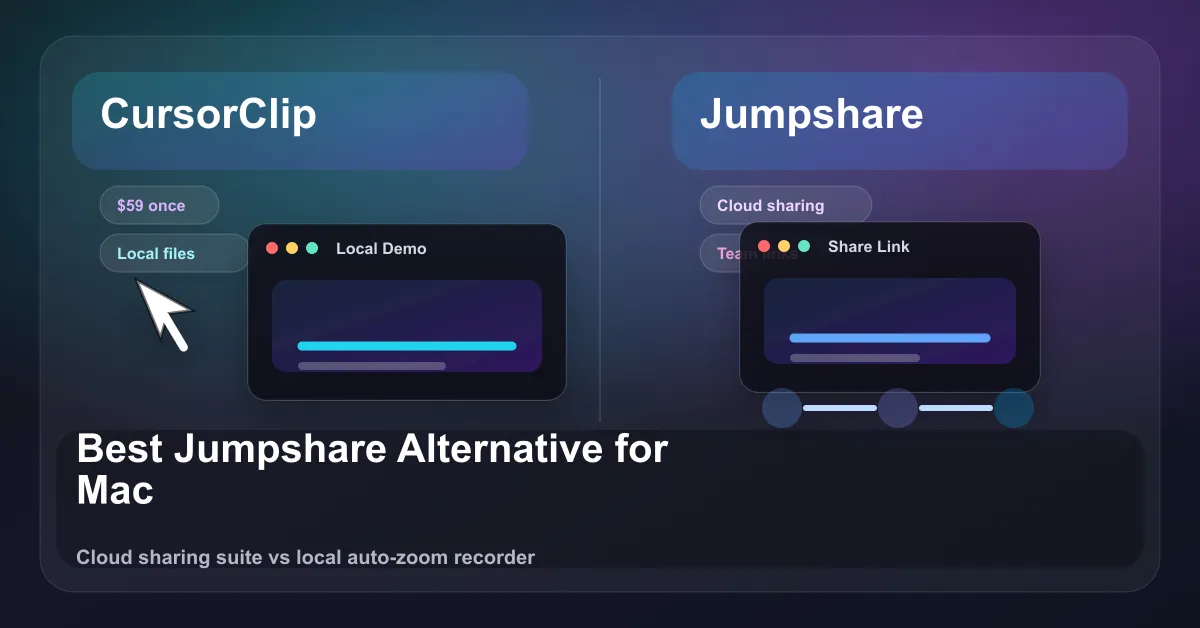
Best Jumpshare Alternative for Mac (2026): CursorClip Compared
Jumpshare alternative for Mac: an honest 2026 comparison of pricing, platforms, auto-zoom, and cloud sharing vs CursorClip's one-time $70 local recorder.
How to Screen Record Videos on Mac: The Complete 2026 Guide
Learn how to screen record videos on Mac using built-in tools, QuickTime, and CursorClip. Step-by-step instructions for beginners and pros alike.
CursorClip vs Descript (2026): Honest Comparison for Mac
CursorClip vs Descript compared honestly. Pricing, screen recording workflow, auto-zoom, media limits, and which tool fits your actual workflow.
How to Make a Feature Announcement Video That Gets Your New Feature Actually Used
Learn how to make short feature announcement videos that drive real adoption: format, recording workflow, where to publish, and why text alone fails.
How to Make a Product Video Without Video Editing
How to make a product video without video editing. Why editing exists, how cursor-follow auto-zoom eliminates it, and the full workflow from recording to export.
How to Make Customer Onboarding Videos for Your SaaS (Without a Video Team)
How to make customer onboarding videos for SaaS: the four video types you need, where each one belongs, and how to keep the library current as your product changes.
How to Make a Product Explainer Video Without Animation
How to make a product explainer video using screen recording instead of animation. Structure, recording workflow, distribution formats, and why real UI beats illustrated impressions.
How to Show UI Changes in a Product Update Video (Without Re-Recording Everything)
How to record product update videos that show UI changes clearly: the three-beat structure, auto-zoom workflow, before/after technique, and how to keep videos from going stale.
Vidyard vs CursorClip (2026): Pricing and Best Fit for Mac
Vidyard vs CursorClip compared on pricing, free plan, auto-zoom, GIF export, Mac support, and who each tool is actually built for.
Tella Pricing (2026): Plans, Limits, and a Mac Alternative
Tella Pro costs $26 and Premium $39 per user a month, about half that billed yearly. What each plan includes, its limits, and a pay-once Mac alternative.
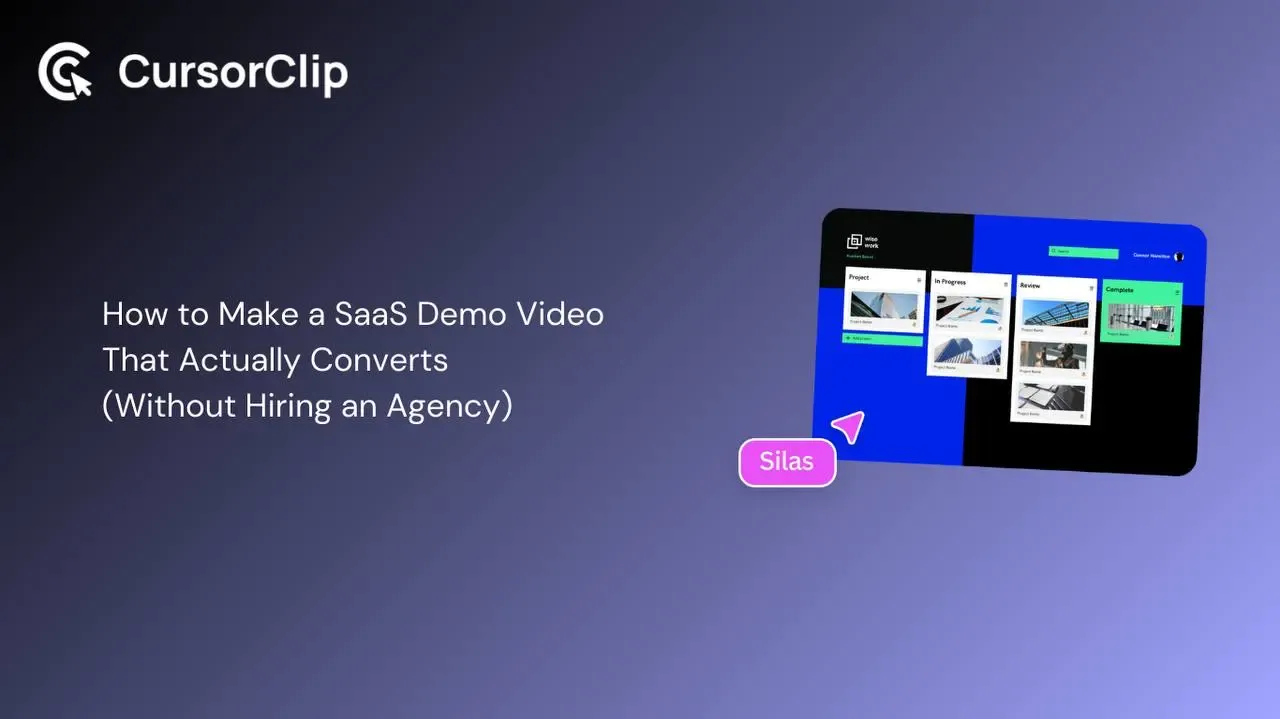
How to Make a SaaS Demo Video That Actually Converts (Without Hiring an Agency)
Learn how to make a SaaS demo video that converts with a clear, practical workflow for structuring, recording, zooming, pacing, and finishing without agency costs.
How to Make Tutorial Videos on Mac (The Workflow That Doesn't Waste Your Day)
Learn how to make tutorial videos on Mac with a practical workflow for planning, recording, zooming, audio, and publishing without wasting hours editing.
11 Best Camtasia Alternatives for Mac (2026): Free & One-Time
Camtasia costs $39 to $599 a year. Compare 11 Camtasia alternatives, from free (OBS, Cap, iMovie) to pay-once CursorClip ($70) and ScreenFlow ($199).
CursorClip vs Camtasia (2026): Pricing, Editing, and Best Fit
Compare Camtasia vs CursorClip for Mac-focused demo workflows: pricing model, editing depth, and who each tool is best for.
Cheaper Loom Alternative (2026): CursorClip vs Loom (Pricing, Limits, Features)
Looking for a cheaper Loom alternative? Compare CursorClip vs Loom on pricing, recording limits, video quality, and workflow.
ScreenCharm Alternative (2026): CursorClip vs ScreenCharm
Looking for the best ScreenCharm alternative for Mac? Compare CursorClip vs ScreenCharm on pricing model, performance, features, and workflow.
9 Simple Video Editors for Mac Beginners (2026): Free and One-Time
Simple video editors for Mac, easiest first: iMovie and DaVinci Resolve free, Final Cut Pro, Filmora and Movavi to pay once. Prices checked October 2026.
Screen Studio Pricing (2026): Monthly, Yearly, No Lifetime
Screen Studio is $29/mo or $108/yr, with no lifetime license and no refunds. Two-year cost table and a $70 one-time alternative (checked 6 Oct 2026).
Best Screen Studio Alternatives (2026): Free, Mac, and Windows Picks
Best Screen Studio alternatives in 2026 for Mac and Windows, prices checked in October. Compare CursorClip, Cap, OpenScreen, Recordly, OBS and more.
13 Best Screen Recorders for Mac (2026): Free and Paid Apps
The 13 best screen recording apps for Mac in 2026, each re-checked on 2 October 2026 for price, macOS support and recent updates. Free, one-time and subscription picks, including new open-source options.
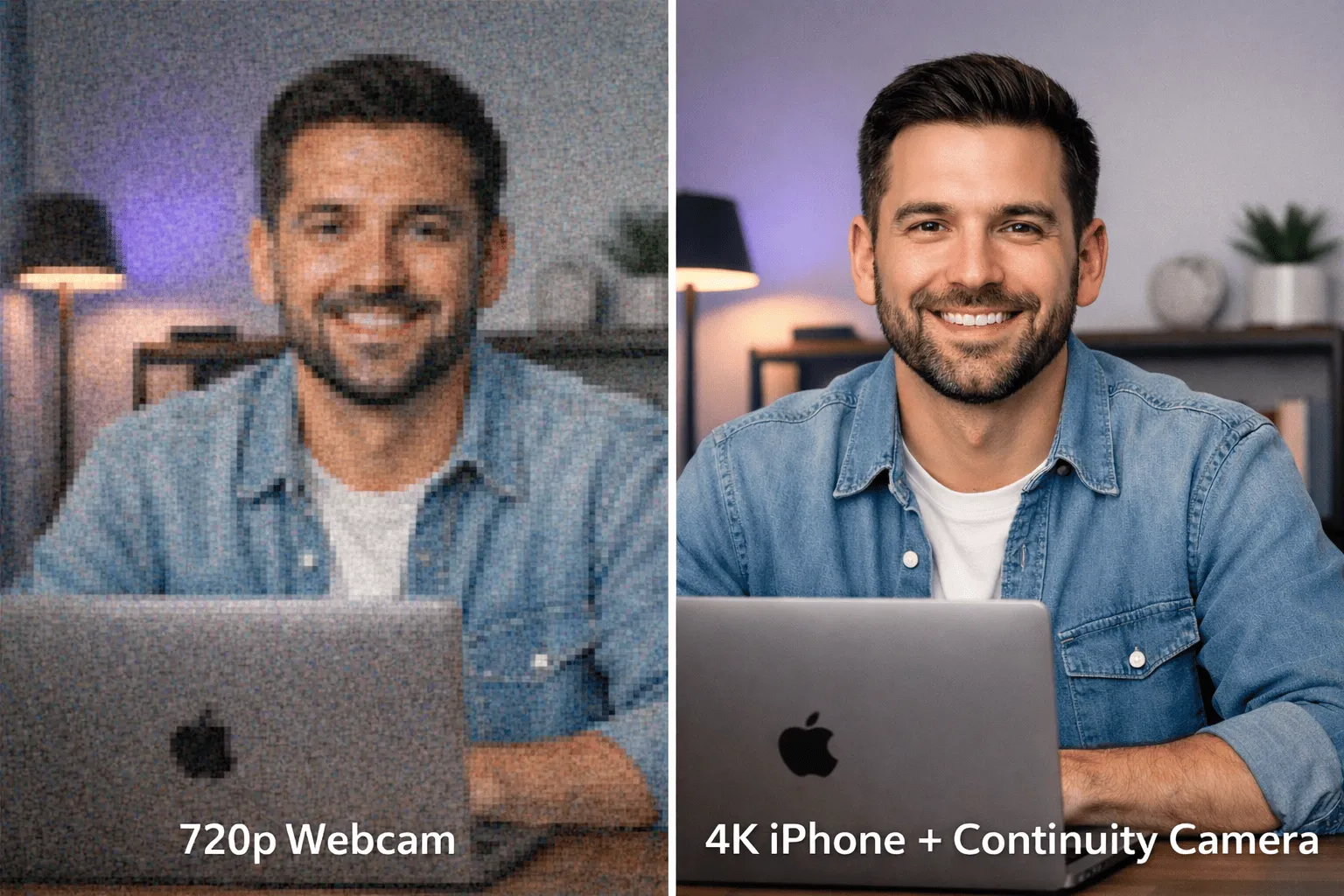
Mac Webcam Fix: Pro Video Setup Without Buying Gear
Use your iPhone as a webcam with Continuity Camera. Learn lighting, audio, and recording tips for professional Mac videos.
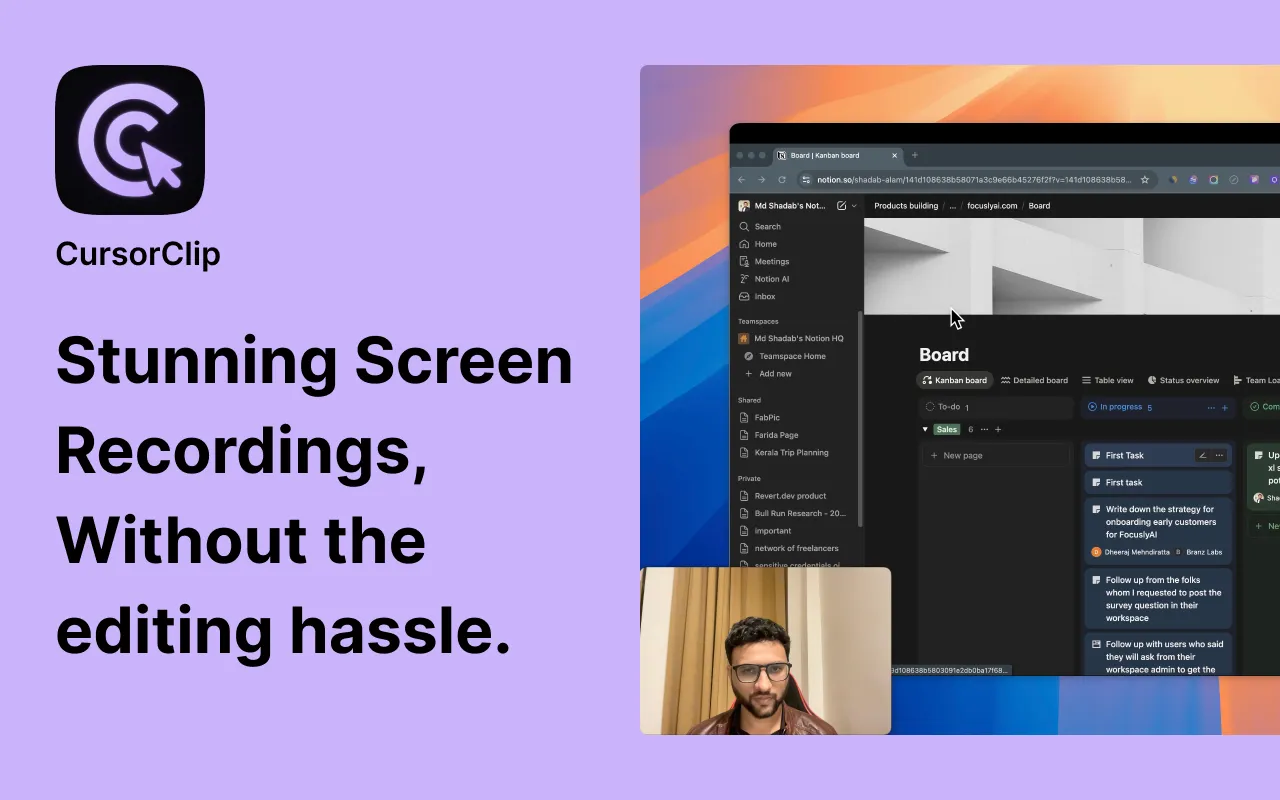
How Auto-Zoom Screen Recording Works on Mac: Complete Guide
How auto-zoom screen recording works on Mac, what to look for in an auto zoom screen recorder, and best practices for professional tutorials and demos.
How we built cursor-aware zoom for Mac
A peek at the heuristics behind CursorClip's automatic framing and why it makes screen recordings easier to watch.