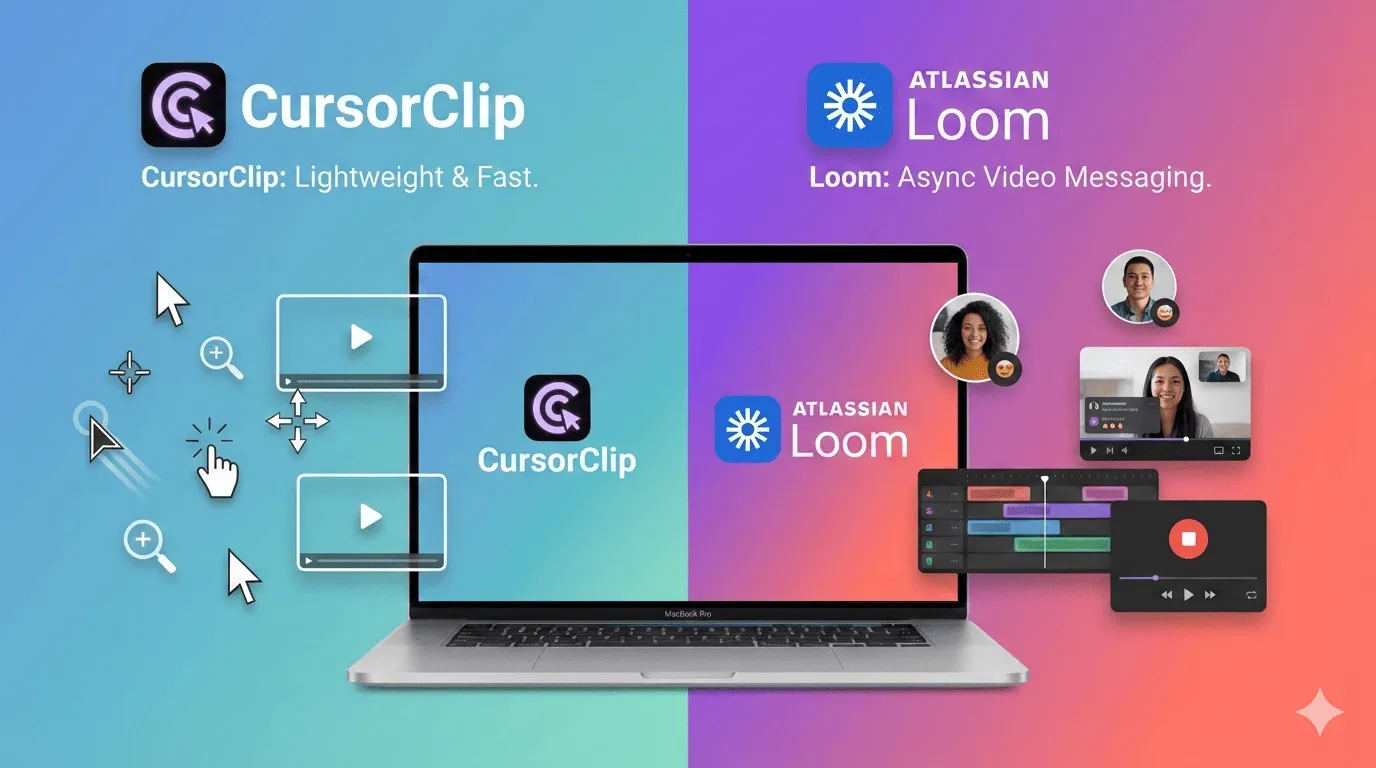
Quick answer: Loom is the better tool for instant async team sharing: you record, and Loom gives you a cloud link to paste into Slack or email seconds later. CursorClip is the better tool for polished, edited-looking product demos and tutorials on Mac: it records locally, auto-zooms on your clicks, and costs $70 one-time instead of $18 per user per month. If you’re on Windows, Loom is the better choice because CursorClip currently supports macOS only. See CursorClip pricing or download CursorClip to test your workflow.
Key Takeaways: CursorClip vs Loom
| Factor | CursorClip | Loom |
|---|---|---|
| Price | $70 one-time (or $9/month, $29/year) | Free Starter; Business $18/user/month; Business + AI $24/user/month |
| Platform | macOS only | Mac, Windows, Chrome extension, mobile apps |
| Recording model | Local files on your Mac | Cloud-first with instant share links |
| Auto-zoom | Yes, automatic zoom on clicks | No |
| Free tier limits | Free to record and edit; license to export | 25 videos/person, 5-minute cap, up to 720p |
| Best for | Polished product demos and tutorials on Mac | Instant async video messages for teams |
Jump to: Quick comparison | Loom pricing | Verdict
For more options, see:
Quick Comparison: CursorClip vs Loom
| Category | CursorClip | Loom |
|---|---|---|
| Pricing model | One-time lifetime option (plus optional monthly/annual plans) | Free + subscription plans |
| Entry price | $70 one-time | $0 Starter |
| Paid plans | $70 lifetime, or $9/month, or $29/year | Business $18/user/month, Business + AI $24/user/month |
| Recording model | Local files saved on your Mac | Cloud-first, videos hosted by Loom |
| Auto-zoom on clicks | ✅ Yes, automatic | No |
| Recording limits on entry tier | No 5-minute limit | Starter: 5-minute screen recording limit |
| Video limits on entry tier | No 25-video limit | Starter: 25 videos/person |
| Video quality | Up to 4K (up to 60fps) | Starter up to 720p, paid tiers up to 4K |
| Instant share link | Export/share via file hosting (native sharing links coming soon) | ✅ Yes |
| Viewer insights / analytics | Basic local workflow focus | ✅ Yes |
| Comments and emoji reactions | No built-in social layer | ✅ Yes |
| Integrations | No integrations | ✅ Yes (Slack, Jira/Confluence, GitHub, and more) |
| System + mic audio | ✅ Yes | ✅ Yes |
| Platform | macOS app | Mac, Windows, Chrome extension, mobile apps |
| App size | ~46 MB installed | Varies by platform |
Cheaper Loom Alternative: Break-Even
As a cheaper Loom alternative, CursorClip pays for itself in about 4 months compared to Loom Business.
- Loom Business: $18/user/month
- CursorClip: $70 one-time
- Break-even: about 4 months for one user
If your workflow is mostly solo recording on Mac, CursorClip is usually the lower-cost option over time.
How Much Do You Save With CursorClip vs Loom?
CursorClip saves one user $146 in the first year and $578 over 3 years compared to Loom Business. The math, using the prices above:
| Timeframe | Loom Business ($18/user/month) | CursorClip ($70 one-time) | Savings per user |
|---|---|---|---|
| 1 year | $216 | $70 | $146 (68% cheaper) |
| 3 years | $648 | $70 | $578 (89% cheaper) |
Against Loom Business + AI at $24/user/month, the gap widens: $288 per year versus $70 once, which is $218 saved in year one and $794 saved over 3 years. These numbers assume one seat; Loom bills per user, so the savings multiply with team size.
Loom Pricing and Plan Limits (2026)
Loom pricing in 2026 has three tiers: a free Starter plan with hard limits, Business at $18/user/month, and Business + AI at $24/user/month.
Pricing and limits verified on Loom’s official pricing/help pages, most recently on July 2, 2026.
Loom Starter (free)
- $0
- Up to 25 videos/person
- 5-minute recording limit
- Up to 720p quality
Starter works if you only need short videos and minimal volume.
Loom Business
- $18 per user/month
- Unlimited videos
- Unlimited recording time
- Up to 4K recording quality
- Remove Loom branding
Loom Business + AI
- $24 per user/month
- Includes Business features
- Adds Loom AI features like auto summaries, chapters, and meeting notes
Loom also promotes annual billing savings on the pricing page.
If you want one-time pricing instead of per-user monthly billing:
Where CursorClip Is a Better Loom Alternative
CursorClip is a better Loom alternative when you record demos and tutorials on a Mac and want to own the tool instead of renting it. Its strengths:
- One-time lifetime option at $70
- Automatic zoom on clicks for a polished, edited look without editing work
- Lightweight app footprint (
~46 MB installed) and efficient performance - Built for quick demo recording workflows on Mac
- MP4 and GIF export support
- Recordings are local files on your Mac, not hosted in someone else’s cloud
- System audio + mic capture + Camera capture
CursorClip also has honest limitations you should know before choosing it:
- macOS only, with no Windows or mobile version
- No instant cloud share links after recording (you export a file and host it where you want)
- No built-in team workspace, comments, or viewer analytics
Where Loom Is Stronger
If you are weighing Loom against Screen Studio rather than CursorClip, see the dedicated Screen Studio vs Loom comparison.
Loom is stronger for teams that share quick, unedited video messages across platforms. Its strengths:
- Free plan for zero-budget start
- Instant share links after recording
- Cross-platform footprint (desktop, extension, mobile)
- Better option for Windows users (CursorClip is macOS-only)
- Team-focused integrations and collaboration model
- Advanced AI features on higher tiers
Loom’s limitations in this comparison:
- The free Starter plan caps recordings at 5 minutes, 25 videos per person, and 720p quality
- Recurring per-user billing: $216 per user per year on Business, $288 on Business + AI
- Cloud-first model: your videos live on Loom’s servers, not as local files you control
- No automatic zoom, so recordings look raw rather than edited
Which Is Better for Tutorials and Product Demos?
CursorClip is better for tutorials and product demos on Mac. Automatic zoom follows your clicks, so the final video looks edited without any editing time, and you get a local 4K MP4 or GIF to publish anywhere. Loom is better when speed of sharing matters more than polish: a Loom recording becomes a shareable cloud link the moment you stop recording, which suits quick explanations more than published tutorial content.
Which Tool Fits Your Role?
- Remote team lead: Loom. Instant cloud links, comments, and integrations make async standups and feedback loops fast across a mixed-platform team.
- Solo founder on Mac: CursorClip. One $70 payment covers unlimited polished demo videos with no per-seat bill as you grow.
- Tutorial or course creator: CursorClip. Auto-zoom and 4K local export produce publish-ready videos for YouTube or docs without an editing pass.
- Customer support team: Loom. Support replies need a link in the ticket within seconds, and Loom’s viewer insights show whether the customer watched.
Role-Based Recommendation
Choose CursorClip if you:
- Want a cheaper Loom alternative long term
- Prefer one-time pricing over recurring per-user billing
- Record demos/tutorials regularly on Mac
- Need a lightweight app with fast capture-to-export flow
Choose Loom if you:
- Need a free plan immediately
- Want cloud-first link sharing as your default workflow
- Need cross-platform rollout across larger teams
- Use Windows and need a native desktop workflow today
The Verdict: Which Should You Choose?
Choose CursorClip if you publish frequent product demos on Mac and want predictable cost: CursorClip is the better Loom alternative for Mac users, at $70 one-time versus $216 per user per year for Loom Business.
Choose Loom if you need instant cloud sharing and team-wide rollout with zero upfront cost. Loom is a strong fit for async team communication, especially on paid tiers with AI features.
Other Loom Alternatives (If You Want More Options)
- Top Screen Studio Alternatives for macOS
- Screen Studio Pricing (2026): CursorClip vs ScreenStudio
- ScreenCharm Alternative (2026): CursorClip vs ScreenCharm
- 13 Best Screen Recorders for Mac
Frequently Asked Questions
Pricing and Free Plans
Is Loom free?
Yes. Loom Starter is free, but the free plan limits you to 25 videos per person, a 5-minute recording cap, and up to 720p quality.
What are Loom Starter limits?
Loom Starter includes a 5-minute recording limit, up to 25 videos per person, and up to 720p video quality.
Is there a cheaper Loom alternative?
CursorClip is a cheaper Loom alternative for long-term ownership. CursorClip has a one-time $70 pricing path instead of recurring per-user monthly billing, which saves one user $146 in the first year and $578 over 3 years versus Loom Business at $18/user/month.
How much does CursorClip cost compared to Loom?
CursorClip costs $70 one-time, or $9 per month, or $29 per year, with a 14-day money-back guarantee on every plan. Loom offers a free Starter plan, Business at $18 per user per month, and Business + AI at $24 per user per month. See CursorClip pricing for current plans.
Platform and Compatibility
What if I use Windows?
If you’re on Windows, Loom is the better alternative in this comparison because CursorClip currently supports macOS only.
Does Loom support 4K?
Yes, Loom supports 4K on paid tiers. The free Starter plan is listed at up to 720p on Loom pricing. CursorClip records up to 4K at up to 60fps on all plans.
Features and Use Cases
Is CursorClip good for quick demo videos?
Yes. CursorClip is built for fast record-to-export demo workflows with auto-zoom, so demo videos look edited without editing work.
Which is better for tutorials, CursorClip or Loom?
CursorClip is better for tutorials and product demos on Mac because CursorClip adds automatic zoom on clicks and exports polished local MP4 or GIF files. Loom is better for quick, unedited async messages that teammates open from a cloud link.

