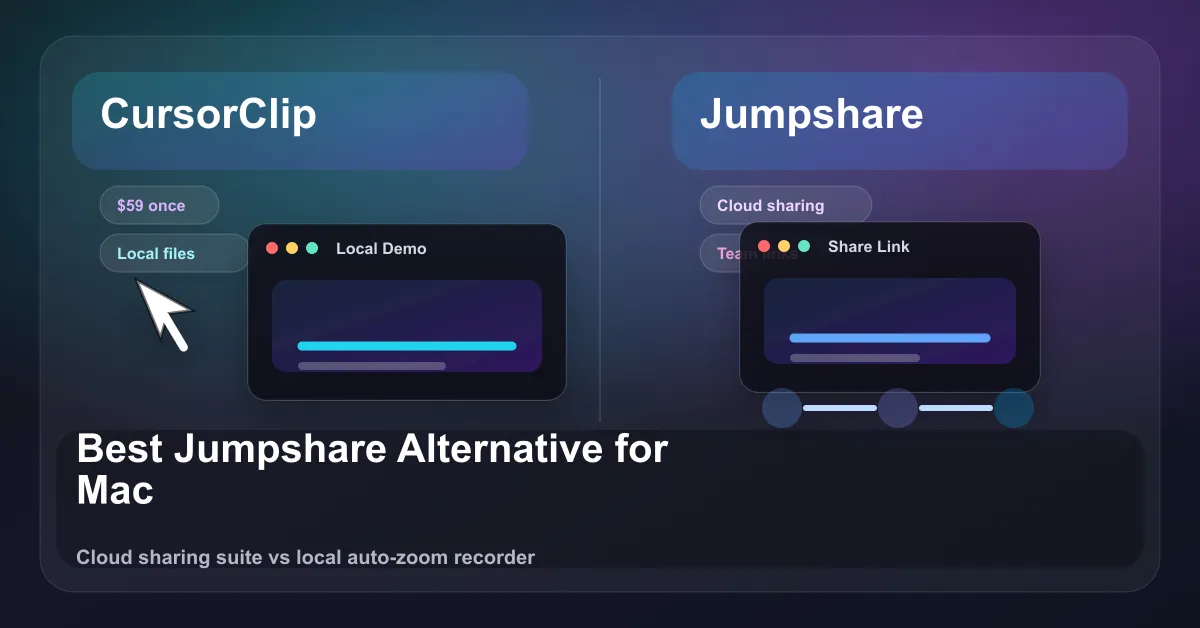
Quick answer: Jumpshare is a sharing-first platform. You record, it uploads to the cloud, and you send a link. That is great for fast async sharing and team workspaces, but it is a per-user subscription and the workflow assumes the cloud. CursorClip is the better pick if you want polished, share-ready recordings (demos, tutorials, devlogs, bug repros) with automatic cursor-aware zoom, a one-time $70 price, and a fully offline, local-first workflow on Mac. If you mainly need cloud hosting and instant links for a team, Jumpshare fits. If you mainly need a great-looking recording without editing, download CursorClip or see CursorClip pricing.
CursorClip is macOS only (macOS 13.5+). No Windows, no Linux. If your team is on Windows, Jumpshare is the honest answer for you.
Jumpshare vs CursorClip: quick comparison
| Feature | Jumpshare | CursorClip |
|---|---|---|
| Pricing model | Subscription (per user) | One-time purchase |
| Entry price | Free plan, then $12/user/mo (Plus) | $70 once (lifetime), or $9/mo, $29/yr |
| Platform | Mac, Windows, iPhone, web | macOS 13.5+ only |
| Auto-zoom | No automatic cursor-aware zoom | Yes, automatic cursor-aware zoom and smooth pans |
| Exports / watermark | Up to 4K on paid plans, branding varies by tier | Watermark-free 4K |
| Account required | Yes (cloud-based) | No account, works offline |
| System audio + mic | Yes | Yes |
| Built-in cloud hosting / share links | Yes (core feature) | No, local files you host yourself |
| Best for | Async sharing, team workspaces, cross-platform | Polished, no-edit recordings on Mac |
Jumpshare pricing and limits (2026)
Jumpshare is a visual communication platform: screen recording, screenshots, GIFs, and file sharing wrapped around cloud hosting and shareable links. Pricing is per user, per month, and most of the useful limits live behind the paid tiers.
| Plan | Monthly price | What you get |
|---|---|---|
| Basic (Free) | $0 | ~5 minute recordings, 720p, capped uploads, smaller file size limit |
| Plus | $12/user/mo (around $10.20/user/mo billed annually) | Unlimited recording time, up to 4K, more storage, password protection |
| Business | $16/user/mo (around $12.80/user/mo billed annually) | Team workspaces, AI features, branded player, larger storage |
| Enterprise | Custom | SSO, dedicated support, uptime SLA |
A few honest notes on the limits:
- The free plan is real but constrained. Recording length and quality (720p) are capped, and upload counts are limited. It is fine for occasional quick clips, not for steady tutorial or demo work.
- 4K and unlimited recording time require a paid plan. If 4K output matters to you, you are on Plus or higher.
- Pricing is per user, so a team of five on Business is a recurring monthly cost that keeps climbing as the team grows.
- Numbers and tier limits shift over time. Check Jumpshare’s current pricing page before you buy, since plan structure changes more often than one-time-purchase tools.
Where Jumpshare is genuinely better
Being fair: Jumpshare does several things CursorClip does not, and for some people those are the whole point.
- Instant cloud sharing. You record, it auto-uploads, and you get a link to send. That async “record and share in one move” loop is Jumpshare’s core strength. CursorClip gives you a local file; you host and share it yourself.
- Cross-platform. Mac, Windows, iPhone, and web. CursorClip is macOS only. If anyone on your team is on Windows, Jumpshare wins by default.
- Team workspaces and viewer features. Shared spaces, password-protected links, expiring links, viewer analytics, and a branded player on higher tiers. CursorClip has none of that, by design.
- More than recording. Screenshots, GIFs, file sharing, and AI extras (transcriptions, summaries, auto titles) sit in one tool. CursorClip does one thing: record well.
If your bottleneck is distribution and collaboration, Jumpshare is built for that and CursorClip is not.
Where CursorClip wins
- Automatic cursor-aware zoom. This is the signature feature, and it makes CursorClip a true screen recorder with auto zoom. CursorClip auto-zooms on whatever you are clicking or typing and pans smoothly to follow, so small UI, code, and menus stay readable. You get the polished, “edited” look with no editing step. Jumpshare records what is on screen; it does not auto-zoom on what matters.
- One-time price. $70 once, owned forever. (There are also $9/mo and $29/yr if you prefer to start small.) Jumpshare is a recurring per-user subscription that never stops.
- Local-first and offline. CursorClip works fully offline, needs no account, and keeps files on your machine. Nothing uploads unless you choose to share it. That is a real difference if you record internal demos, unreleased features, or bug repros you do not want auto-pushed to a cloud.
- Watermark-free 4K out of the box. No tier gymnastics to remove a watermark or unlock 4K.
- Small and native. About 46 MB installed, native macOS, built for Apple Silicon and Intel on macOS 13.5+. It launches fast and stays out of the way.
CursorClip is built to make the recording itself look good without an editor. That is the whole product, and it is honest about its limits: it is not a video editor, not a screenshot annotation suite, and not Windows software.
Who should pick which
Pick Jumpshare if:
- You need instant cloud links and async sharing as your main workflow.
- Your team is on Windows, or mixed Mac and Windows.
- You want team workspaces, viewer analytics, password-protected links, or AI transcription baked in.
- A monthly per-user subscription fits how you budget.
Pick CursorClip if:
- You are on Mac and want recordings that look polished without editing.
- The auto-zoom and smooth-pan look is what you are after for demos, tutorials, devlogs, or bug repros.
- You prefer a one-time purchase over a recurring subscription.
- You want a local-first, offline, no-account workflow and watermark-free 4K.
Verdict
These tools solve different problems. Jumpshare is a sharing-and-collaboration platform that happens to record your screen. Its value is the cloud, the links, and the team features, billed per user every month. CursorClip is a focused macOS recorder whose value is recording quality, specifically automatic cursor-aware zoom, sold once for $70 with no account and no cloud requirement.
If distribution is your problem, choose Jumpshare. If a clean, share-ready recording without editing is your problem (and you are on Mac), choose CursorClip. There is a 14-day money-back guarantee, so trying it is low risk.
For more options, see Top Screen Studio Alternatives and 13 Best Screen Recorders for Mac.
Related comparisons
Weighing other recorders too? These honest, like-for-like breakdowns cover the tools people compare most often:
- CleanShot X alternative for Mac
- Cursorful alternative (auto-zoom)
- FocuSee alternative for Mac
- CursorClip coupons and discounts
Try CursorClip
If you want polished Mac recordings without editing, CursorClip is a one-time $70 with a 14-day money-back guarantee. See CursorClip pricing or download CursorClip and record your first clip in a couple of minutes.

