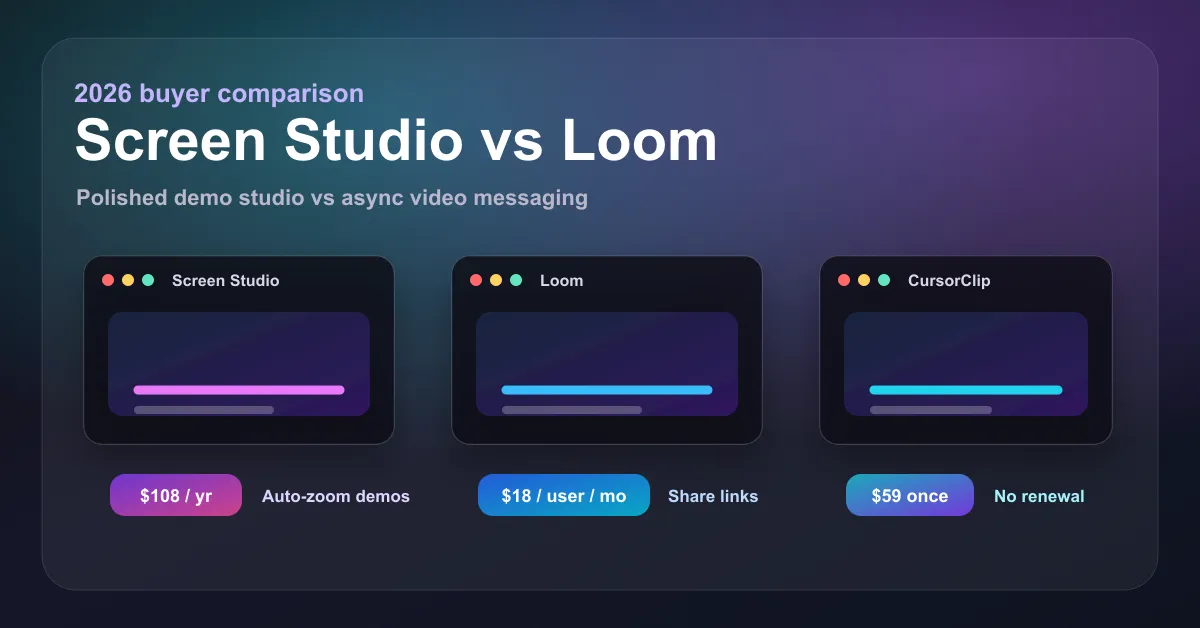
Screen Studio is the better pick if you want cinematic, auto-zoomed product demos on a Mac and accept a $108/year subscription. Loom is the better pick if your team needs instant, shareable async video across platforms and will outgrow its free tier into $18 per user per month. If you want Screen Studio’s polish without a subscription, there is a third option covered below: CursorClip at $70 one-time.
Screen Studio vs Loom at a glance
| Screen Studio | Loom | |
|---|---|---|
| Core job | Polished, edited-looking product demos | Fast async video messages for teams |
| Pricing | $29/month, or $108/year (billed as $9/month) | Free tier; Business $18/user/month; Business + AI $24/user/month |
| One-time purchase | No, subscription only since October 2025 | No |
| Free tier | No free tier (app usable, exporting requires a plan) | Yes: 25 videos max, 5 minutes each, 720p |
| Auto-zoom on cursor | Yes, its signature feature | No |
| Instant share links | Yes, on all plans | Yes, its signature feature |
| Platforms | macOS only (Ventura 13.1+) | Windows, Mac, web, Chrome extension |
| Best for | Founders and marketers shipping demo videos | Teams replacing meetings with async video |
What each tool actually is
Screen Studio is a macOS screen recorder built around one idea: recordings should look professionally edited without editing. It automatically zooms on cursor actions, smooths cursor movement, and ships with 4K 60fps export, GIF export, keyboard-shortcut display, and iPhone recording. It defined the polished-demo category.
Loom, owned by Atlassian, is an async communication tool first and a screen recorder second. You record, it uploads to the cloud, and you paste a link in Slack or a ticket. Comments, view analytics, and team workspaces are the product; video polish is not the point.
That difference drives every comparison point below: Screen Studio vs Loom is really “demo studio vs video memo”.
Screen Studio vs Loom pricing (2026)
Screen Studio pricing is subscription-only: $29/month billed monthly, or $9/month billed yearly ($108/year). There is no free tier and no one-time purchase. Screen Studio removed its $229 lifetime license for new customers in October 2025, a move that drew visible backlash: AlternativeTo’s coverage notes critics “viewed the shift negatively, with some calling it misleading”, and long-time users on r/macapps mourned the change. Its fees are also non-refundable under current terms.
Loom pricing starts free, but the Starter tier caps you at 25 total videos, 5 minutes each, at 720p, limits most users exhaust quickly. The paid plans are Business at $18 per user per month and Business + AI at $24 per user per month. Loom’s billing is also its weakest point in public reviews: its Trustpilot rating sits at 1.4/5 across 200+ reviews, dominated by complaints about seat-based billing surprises and cancellation friction.
The math for one person, over one year: Screen Studio $108 (annual billing) vs Loom Business $216. Over three years: $324 vs $648. Loom is roughly twice the cost of Screen Studio for a single seat, and per-user pricing multiplies that for teams.
Feature comparison: where each one wins
Screen Studio wins on output quality. Automatic zoom, cursor smoothing, backgrounds, GIF export, and keystroke display produce videos that look edited by hand. Loom has none of these; its recordings look exactly like your raw screen.
Loom wins on distribution and teamwork. Instant cloud links, viewer analytics, comments, transcription, and cross-platform apps make it the default for “watch this instead of a meeting”. Screen Studio has share links too, but exports local files first; there is no team workspace.
Loom wins on platform coverage. Windows, Mac, browser. Screen Studio is macOS 13.1+ only, with a Windows version officially “not ready”.
Screen Studio wins on data control. Recordings are local files you own. Loom is cloud-first: your videos live on Loom’s servers under your Atlassian account.
Public review themes match this split: Screen Studio’s most-reported friction points are the subscription model, large files on long recordings, and limited audio and cutting tools (Product Hunt reviews), while Loom’s are billing and free-tier limits rather than recording quality.
Who should choose Screen Studio
- Founders and product marketers shipping launch videos, landing-page demos, and feature announcements
- Anyone whose videos are public-facing, where polish directly affects conversion
- Mac users who want GIF exports and keystroke display for docs and changelogs
Who should choose Loom
- Teams replacing status meetings with async updates, where speed beats polish
- Cross-platform companies (Windows + Mac) standardizing on one tool
- Support and sales teams who live off instant share links and view tracking
The third option: auto-zoom polish without the subscription
If you landed on Screen Studio vs Loom because you want polished demo videos but the pricing puts you off, CursorClip is the option both comparisons hide: a native macOS recorder with automatic cursor-aware zoom, webcam, system audio, custom backgrounds, and watermark-free 4K 60fps export, for $70 one-time. No subscription, recordings stay local, 14-day money-back guarantee.
The cost comparison is stark: $70 once vs Screen Studio’s $108 every year vs Loom Business’s $216 per seat every year. CursorClip pays for itself in under 8 months against Screen Studio and under 4 months against a single Loom seat, and every year after that costs $0. This is exactly the trade several switchers describe in threads like this r/macapps discussion of Screen Studio alternatives.
Honest caveats: CursorClip is macOS only (13.5+), it does not have Loom’s instant cloud links or team workspace, and it has fewer cinematic animation presets than Screen Studio. It is free to record and edit; a license unlocks exporting.
| Screen Studio | Loom | CursorClip | |
|---|---|---|---|
| Price | $108/year | $216/year per seat (Business) | $70 one-time |
| 3-year cost | $324 | $648 per seat | $70 |
| Auto-zoom | Yes | No | Yes |
| Cloud share links | Yes | Yes | No, local files |
| Platforms | macOS | Windows, Mac, web | macOS |
| Refunds | Non-refundable | Per Atlassian terms | 14-day money-back |
For the deeper one-to-one comparisons, see CursorClip vs Screen Studio and CursorClip vs Loom, or the full Screen Studio alternatives guide.
How to choose between Screen Studio, Loom, and CursorClip
Is your video public-facing (landing page, launch, tutorial)?
- Yes, and you want maximum cinematic polish with a subscription: Screen Studio
- Yes, and you want the polish once for $70: CursorClip
Is your video internal (updates, bug reports, handoffs)?
- Yes, and your team needs links, comments, and analytics: Loom
- Yes, but it is mostly just you, and files are fine: CursorClip
Do you need Windows?
- Yes: Loom (Screen Studio and CursorClip are both macOS only)
Do you refuse subscriptions?
- CursorClip is the only one of the three sold as a one-time purchase in 2026
Screen Studio vs Loom FAQ
Pricing and plans
Which is better, Screen Studio or Loom? Screen Studio is better for polished, cinematic product demos on macOS. Loom is better for fast async team communication with instant share links. They solve different jobs; the overlap is smaller than the comparison suggests.
Is Screen Studio cheaper than Loom? For one person, yes: $108/year vs $216/year for a Loom Business seat. For a 5-person team, Loom Business runs $1,080/year while five Screen Studio yearly licenses run $540.
Is there a free version of either? Loom has a real free tier (25 videos, 5 minutes each, 720p). Screen Studio has no free tier; the app runs without a plan but exporting requires a subscription.
Features and platforms
Does Loom have auto-zoom like Screen Studio? No. Automatic cursor-following zoom is Screen Studio’s signature feature. On macOS, CursorClip offers the same auto-zoom approach for a $70 one-time price.
Do Screen Studio and Loom work on Windows? Loom does. Screen Studio does not: it is macOS only (Ventura 13.1+), and its FAQ lists Windows as not ready.
Alternatives
What is a cheaper alternative to both? CursorClip: $70 one-time for a macOS recorder with auto-zoom, 4K 60fps watermark-free export, and a 14-day money-back guarantee. It skips cloud share links and team features in exchange for no recurring cost.